What Is a URL Shortener? How Short Links Work and Why They Matter
Long URLs can be difficult to copy, remember, and share. A URL shortener converts a long web address into a shorter link that redirects visitors to the original URL.
For example, instead of sharing a long URL such as:
https://example.com/products/category/product-name?source=campaign&id=12345
you can create a much shorter link that is easier to share.
What Is a URL Shortener?
A URL shortener is an online tool that creates a shorter version of a long web address.
When someone clicks the short link, the URL shortener redirects the visitor to the original destination.
This makes short links useful for websites, social media, email campaigns, messaging apps, presentations, and other situations where a clean and simple URL is easier to use.
How Does a URL Shortener Work?
The process is simple:
- Enter the original URL into a URL shortening service.
- Create a short link from the long URL.
- Share the short link with your audience.
- When someone clicks it, the service redirects the visitor to the original webpage.
The destination URL does not need to be changed. The short link simply acts as an easier-to-share address.
Why Use Short Links?
1. Easier to Share
Short URLs are easier to copy and share through social media, messaging apps, emails, and other platforms.
2. Cleaner Appearance
A short link can look much cleaner than a long URL containing multiple parameters and tracking values.
3. Easier to Remember
A simple short URL can be easier for people to recognize and remember.
4. Useful for Marketing
Businesses and creators can use short links when sharing landing pages, campaigns, products, blog posts, and other online resources.
5. Link Management
Depending on the URL shortening platform, users may also have access to features such as click statistics, QR codes, custom aliases, or link management.
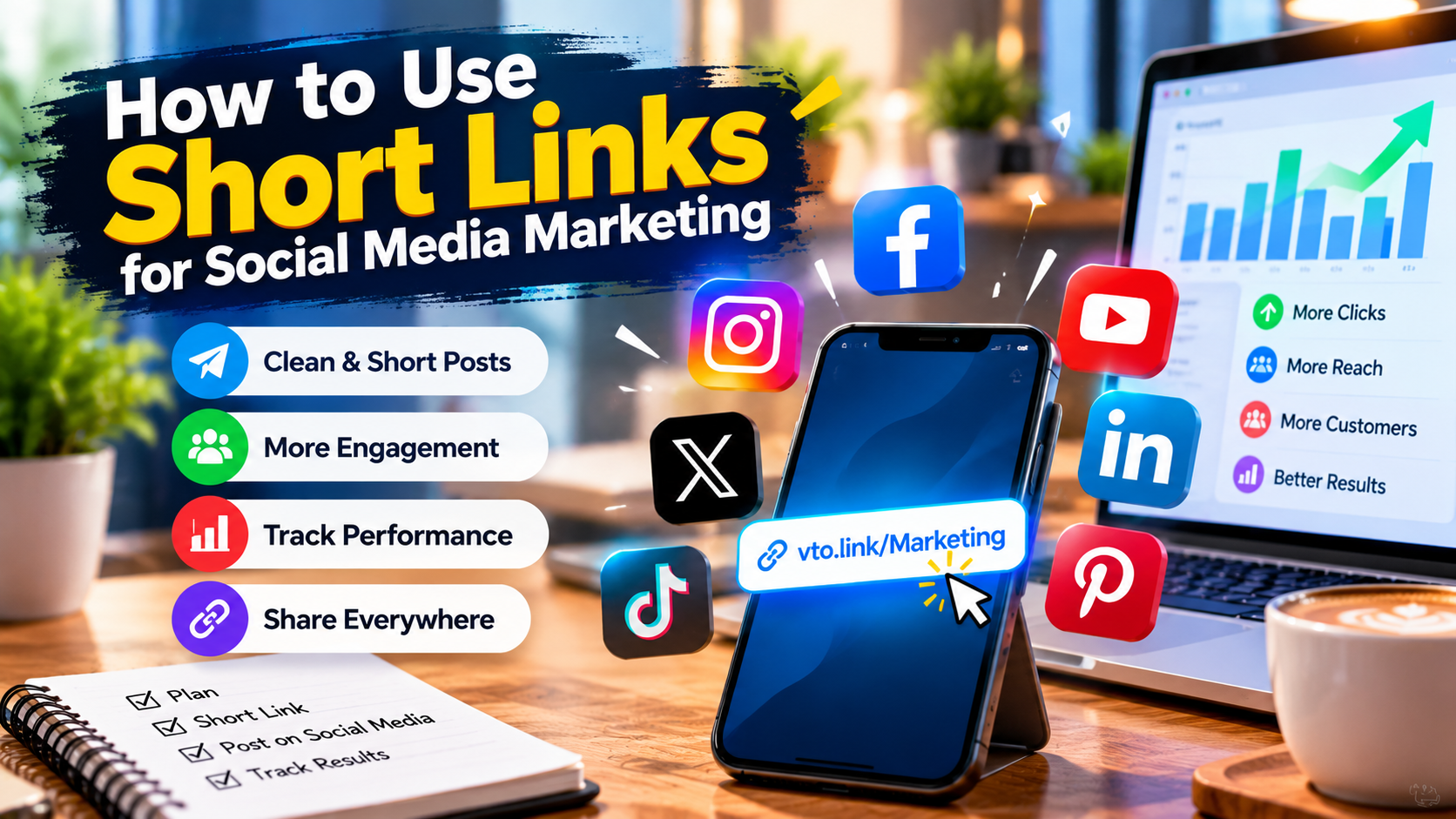
URL Shortener for Social Media
Social media platforms often have limited space for posts, profiles, advertisements, or messages. A short URL can help keep the shared content clean while still directing users to the intended webpage.
Short links can also make campaign URLs easier to include in social media posts and promotional materials.
Can a Short URL Be Used in QR Codes?
Yes. Short URLs are particularly useful for QR codes because the encoded address can be shorter and easier to manage.
You can create a short link for a webpage and then use that short link when creating a QR code for posters, menus, business cards, advertisements, or printed materials.
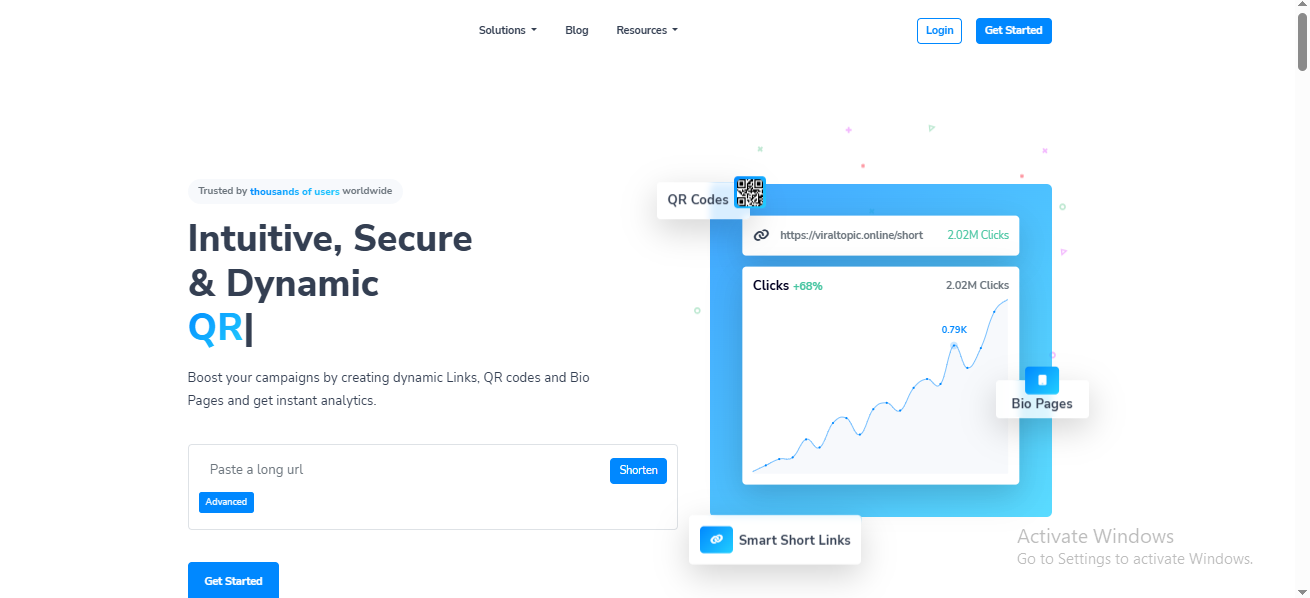
How to Create a Short URL with ViralTopic
Creating a short link with ViralTopic is straightforward:
- Open the ViralTopic URL shortener.
- Enter the long URL you want to share.
- Create your short link.
- Copy the generated URL.
- Share it wherever you need it.
Before sharing an important link, always check that the destination URL is correct and accessible.
Best Practices for Short Links
When using a URL shortener, keep these practices in mind:
- Use short links for legitimate destinations.
- Check the destination URL before publishing.
- Use descriptive custom aliases when available.
- Avoid creating misleading links.
- Keep important links organized.
- Monitor link performance when analytics are available.
Final Thoughts
A URL shortener turns long web addresses into simple, shareable links. Whether you are sharing a blog article, product page, campaign landing page, or another online resource, a shorter URL can make the link easier to use and distribute.
ViralTopic provides a simple way to shorten long URLs and create links that are easier to share.
Target keywords
Use these naturally throughout the article:
- URL shortener
- free URL shortener
- what is a URL shortener
- shorten a URL
- short URL
- short links
- link shortener
- URL shortening
- create short link